
Download the SatNews Events app before you arrive. It has the full agenda, speakers, exhibitors, attendee messaging, and session Q&A and polls for Silicon Valley Space Week.
Access can take a few minutes after you register.
You must sign in with the email address from your registration confirmation. Troubleshooting steps are below.

Silicon Valley Space Week 2026
Download the SatNews Events app to access the event platform:



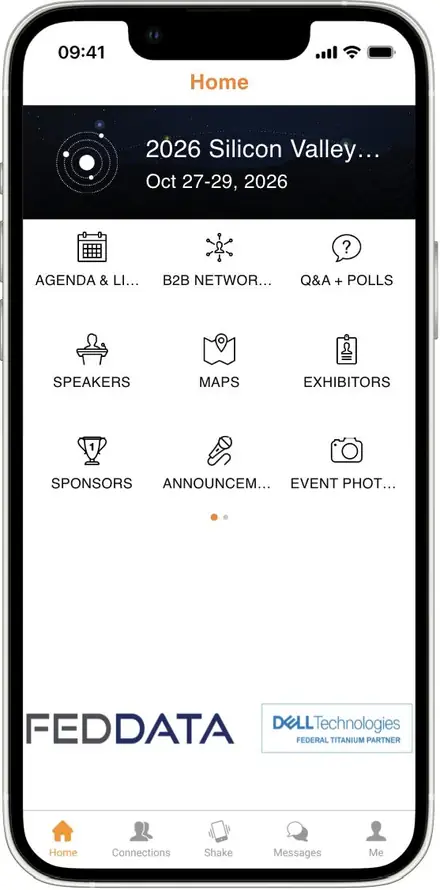
Install the app and confirm your access before you arrive. We help with access questions during the conference, but we have more time to troubleshoot beforehand.
Access Troubleshooting
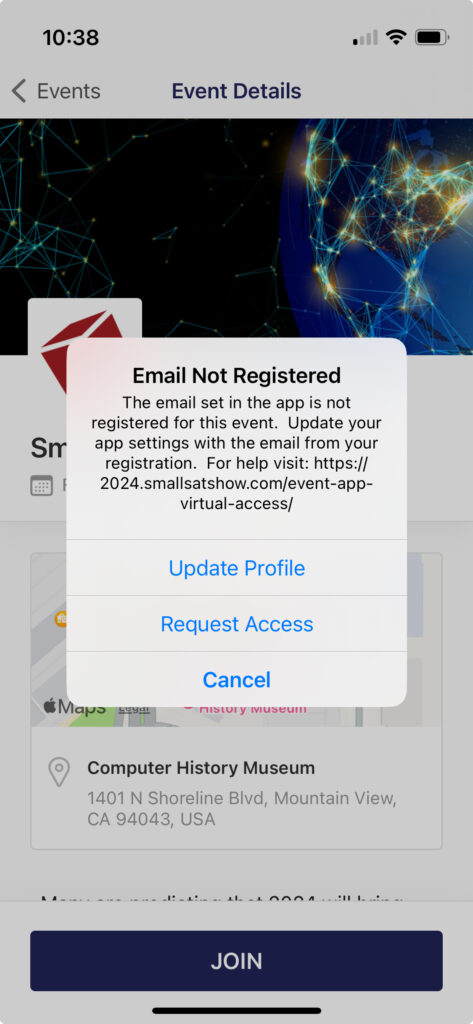
Email not registered
Reason 1: You just registered. Wait 15 minutes for our automation to add you to the app.
Reason 2: The email in the app doesn’t match your registration. Log out, then log back in with the email address from your registration confirmation.
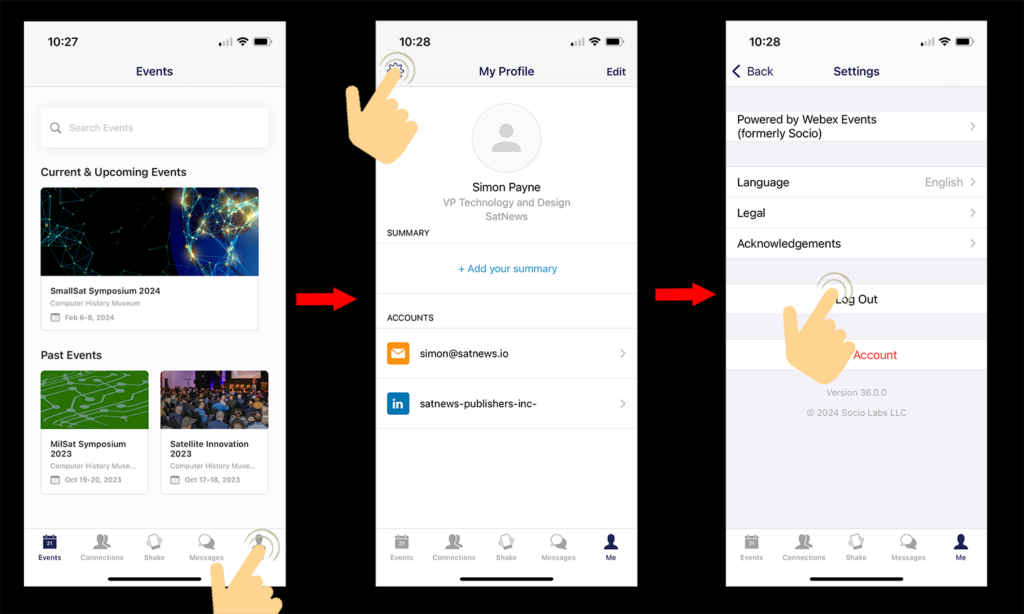
How to log out and back in
Tap Me, then the settings gear, then Log Out. Sign back in with the email address from your registration confirmation.
Wrong event
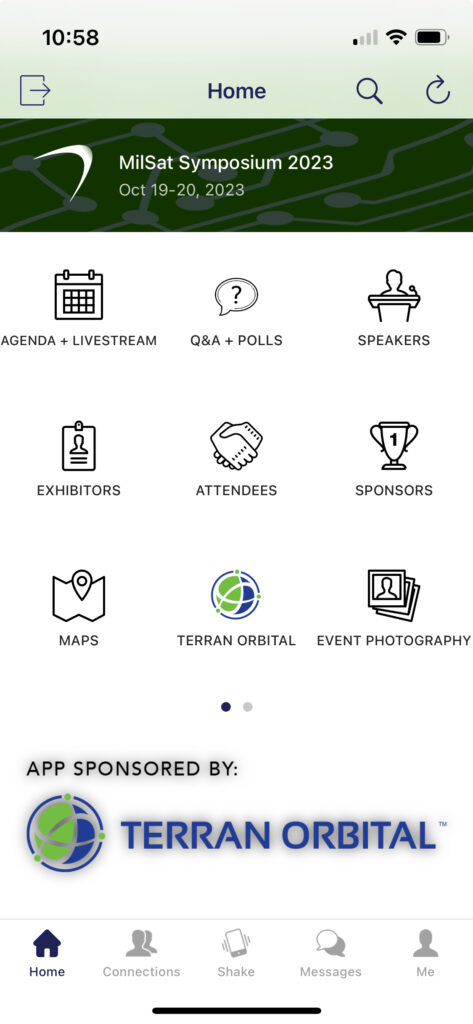
You see an older SatNews event instead of Silicon Valley Space Week 2026.
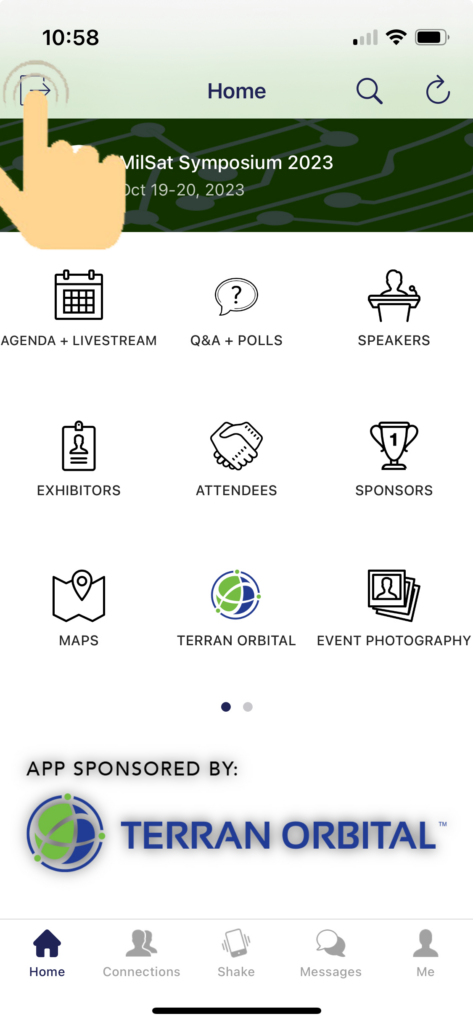
Reason: You need to switch events. Tap the exit icon at the top left of the current event, confirm, and choose Silicon Valley Space Week 2026 from your events list.
Something else
Email simon@satnews.com before the event for help. Screenshots of the error make it much faster to sort out.
During the event, come to the information desk and we will do our best to fix it on the spot.